AI generation
Describe a mood. Get a palette that feels intentional.
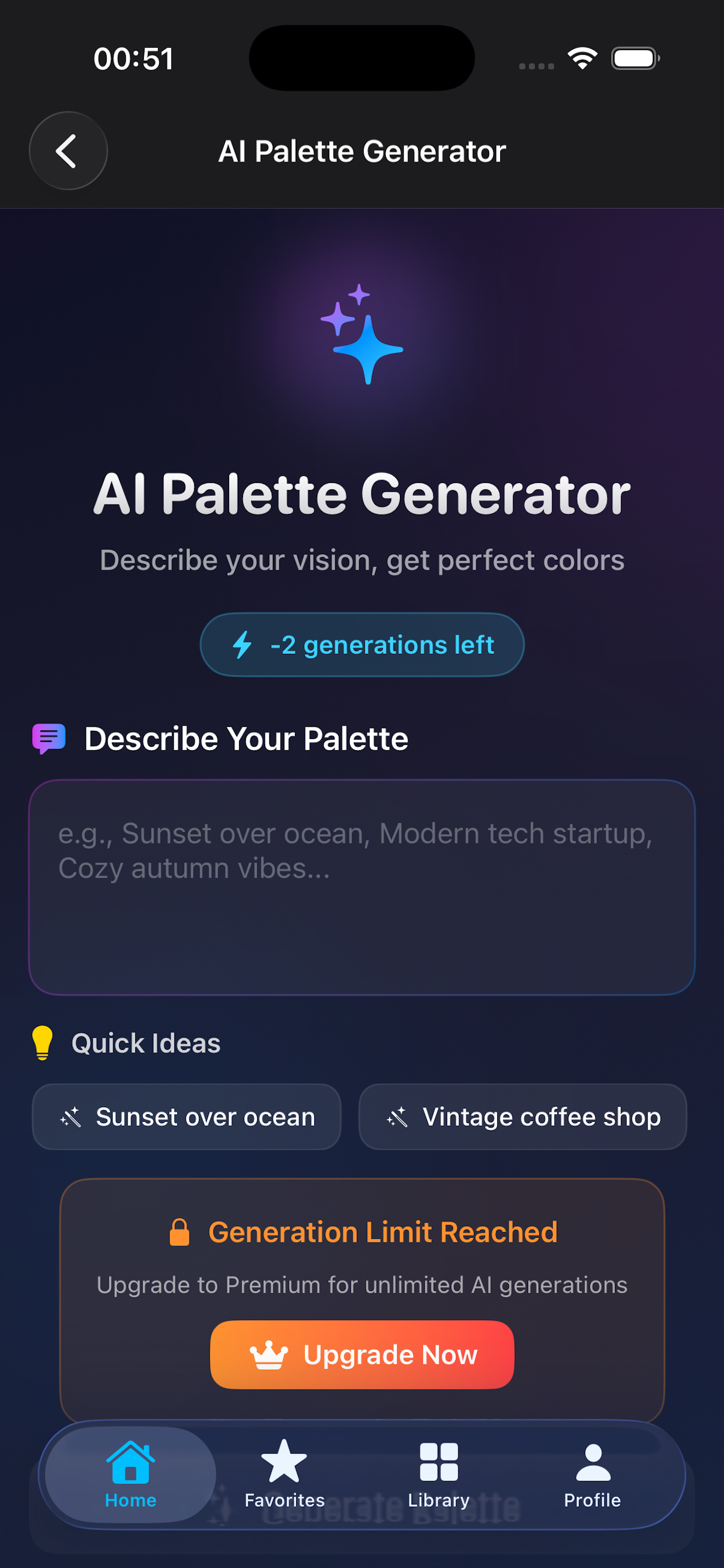
Create theme-based and mood-based palette systems for UI, branding, game scenes, and illustration work without starting from a blank canvas.
 iDrop Ultra
Get the app
iDrop Ultra
Get the app
Built for designers, developers, and creative teams
Generate palettes with AI, extract colors from photos, check accessibility contrast, and export production-ready color code in seconds.

Product preview
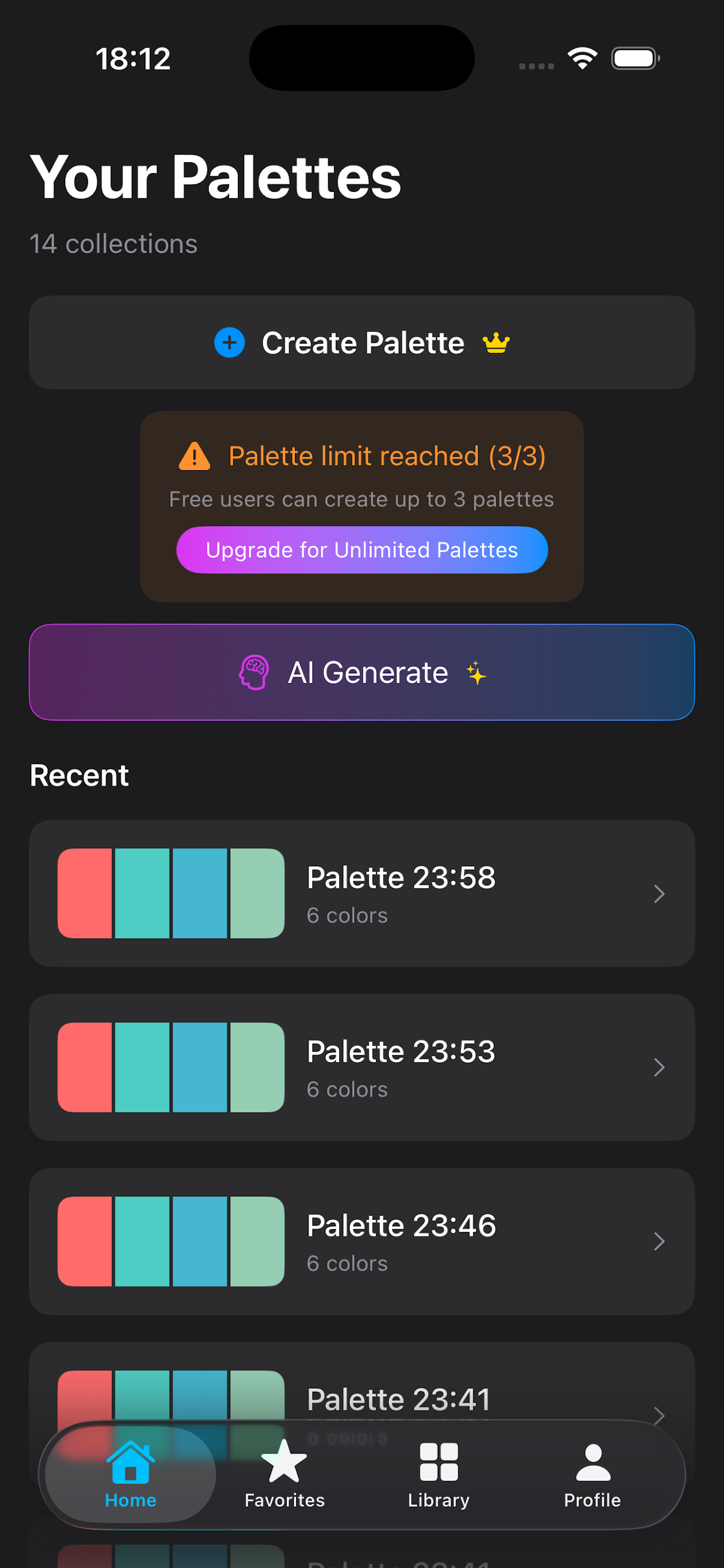
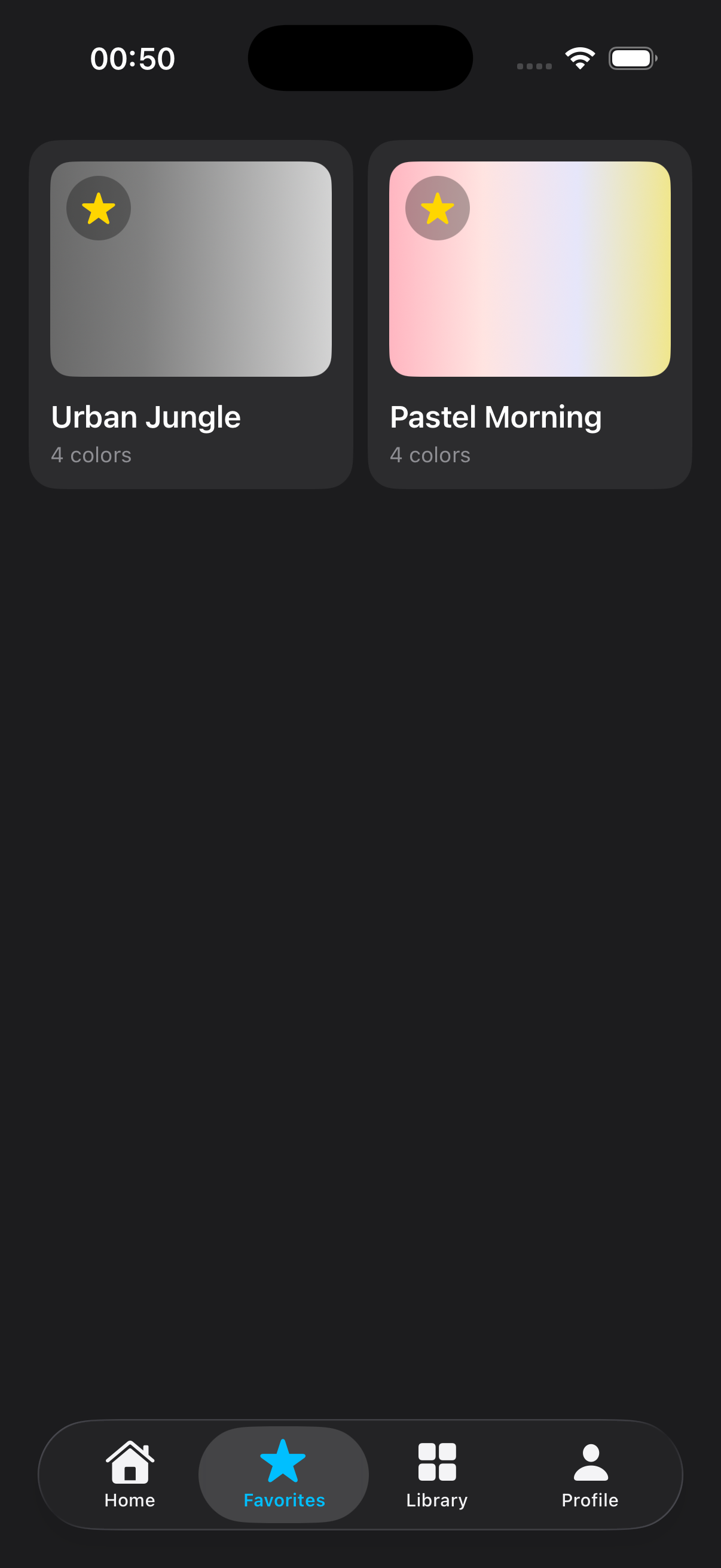
Why teams use iDrop Ultra
AI generation
Create theme-based and mood-based palette systems for UI, branding, game scenes, and illustration work without starting from a blank canvas.
Photo extraction
Pull exact colors from screenshots, photography, or camera captures, then save them into organized libraries with tags and favorites.
Accessibility
Review problematic color combinations in palette detail, then use Auto-Fix to move toward AA targets with minimal visual drift.
Team-ready exports
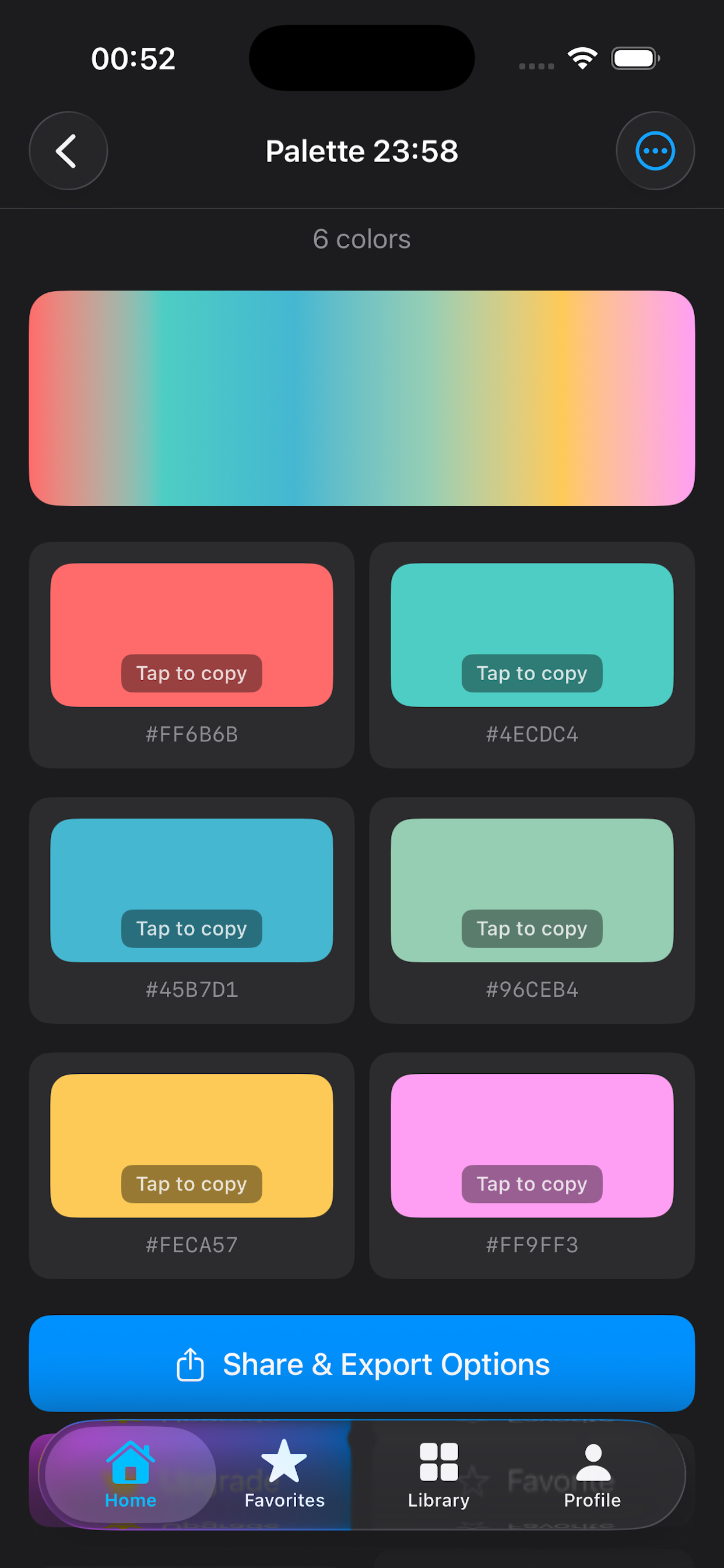
Export as Swift, CSS, SCSS, JSON, XML, Adobe ASE, and image formats so design and development stay aligned.
Workflow
Use the entry point that fits the project instead of forcing one rigid workflow.
Keep a clean library of working palettes instead of scattered experiments.
Catch accessibility issues early and fix them while the palette is still fluid.
Move from idea to implementation without re-entering color values by hand.
Developer and designer exports
FAQ
Designers, developers, creative coders, indie makers, and teams that need a faster way to build and manage color systems.
It combines palette generation, organization, accessibility review, and export into one workflow instead of forcing you to stitch multiple tools together.
Yes. Free users can explore core workflow pieces and try limited contrast auto-fix before upgrading.
Ready to build cleaner palettes?